
Add or change your wallet
Pool Party reads your Meteora positions and stats from your wallet's public address. You can add that wallet without ever connecting it to this site, and swap it for another whenever you like.
Add a wallet without connecting
You prove the wallet is yours by sending a small amount of SOL from it to itself. This site never talks to your wallet, and nothing is sent to us.
- Sign in with X.
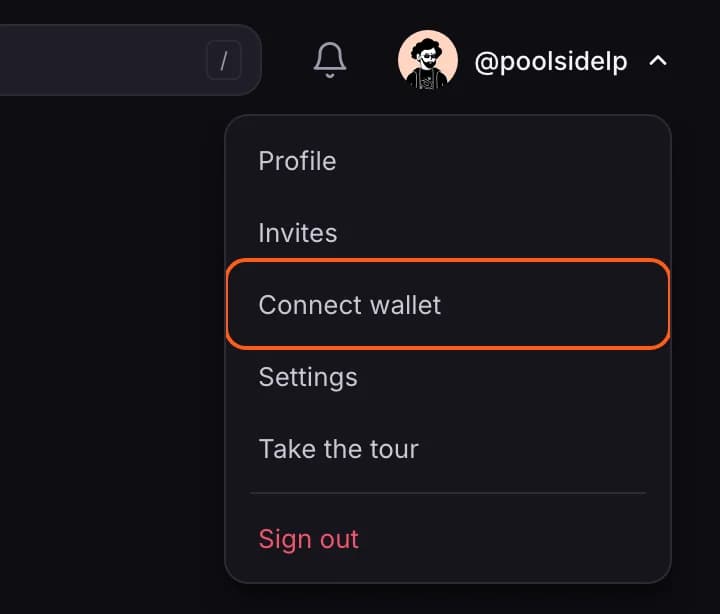
- Open your account menu (your picture, top right) and choose Connect wallet.
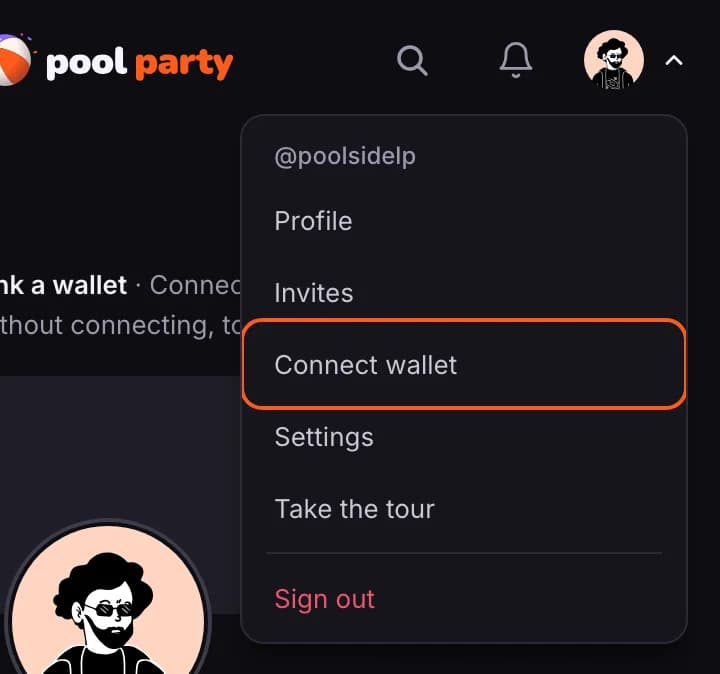
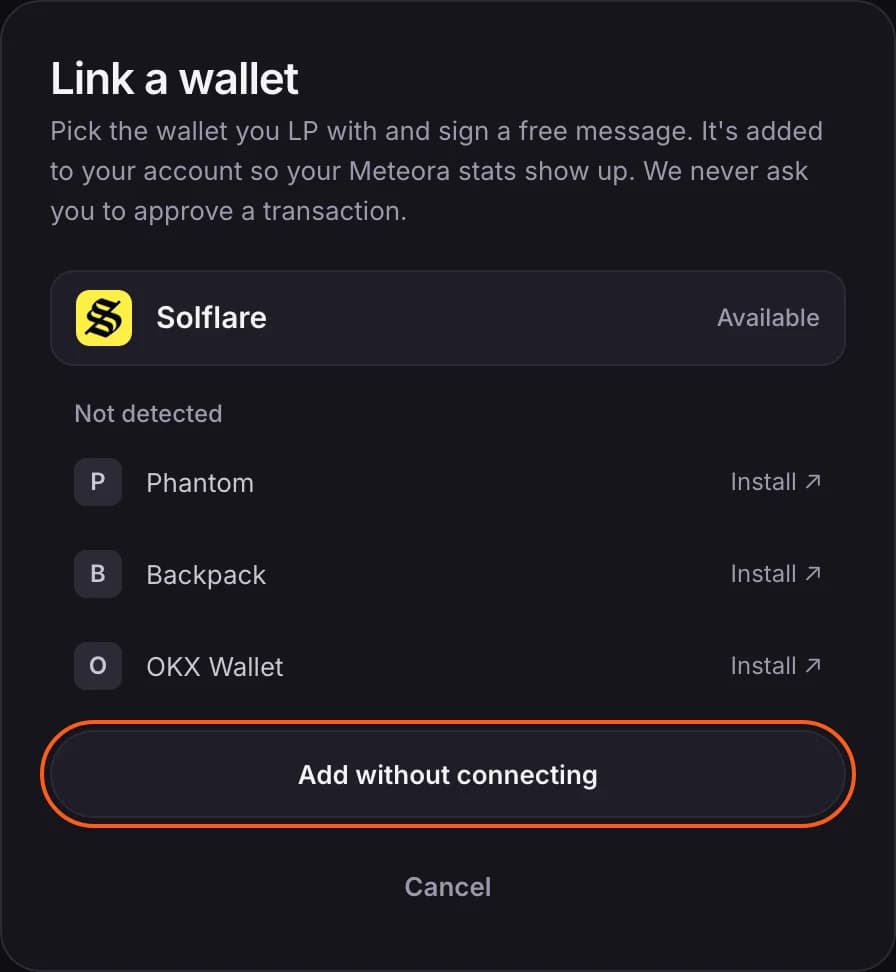
- Choose Add without connecting.
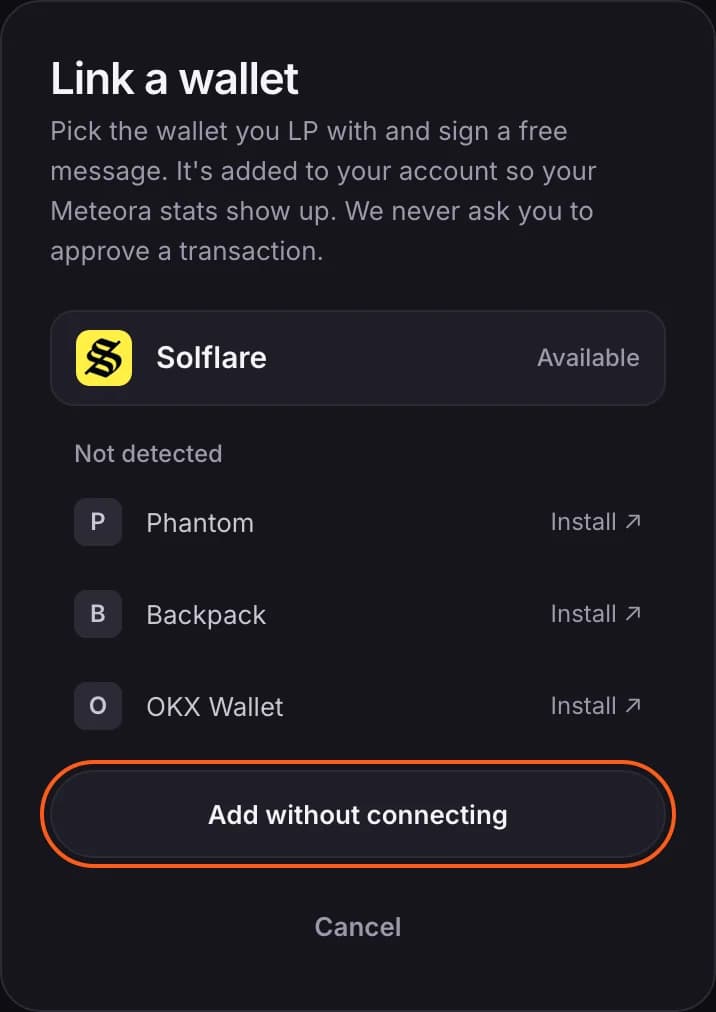
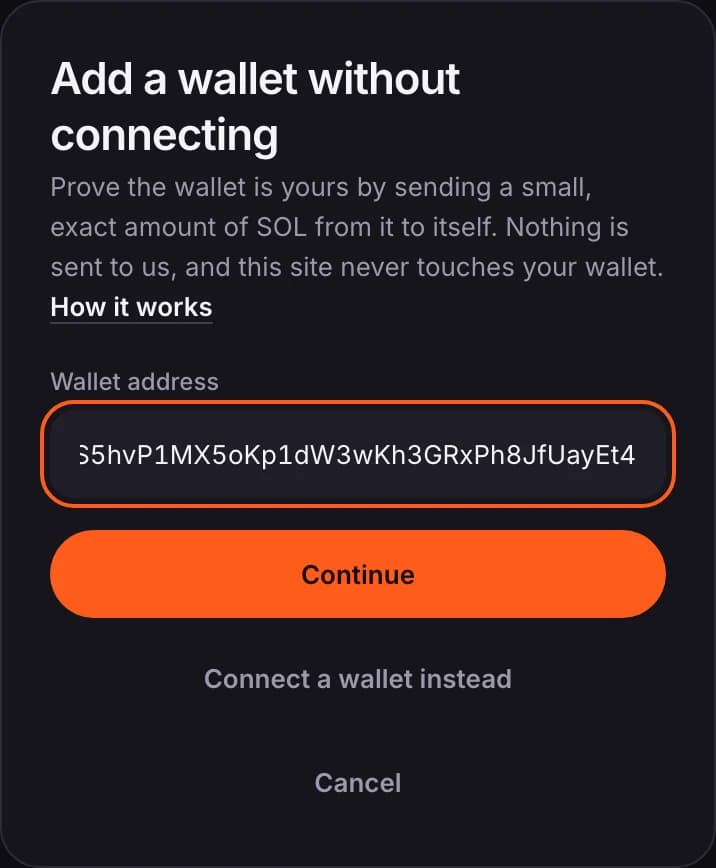
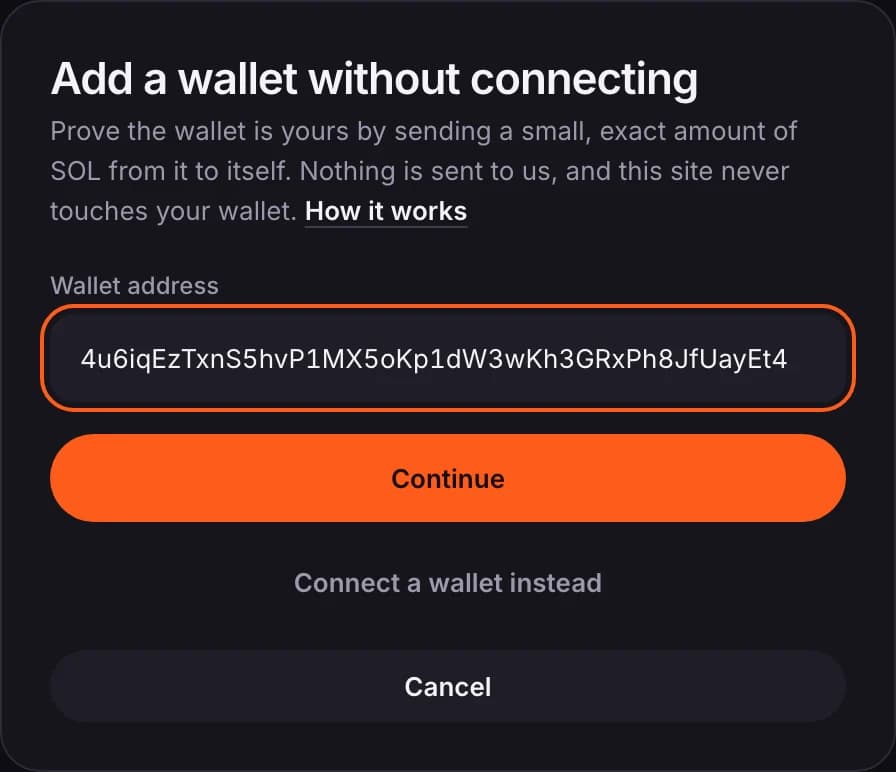
- Paste your wallet address and continue.
- You'll be shown an exact amount, for example 0.004137 SOL. In your wallet app, choose Send and send exactly that amount to your own address, the same wallet.
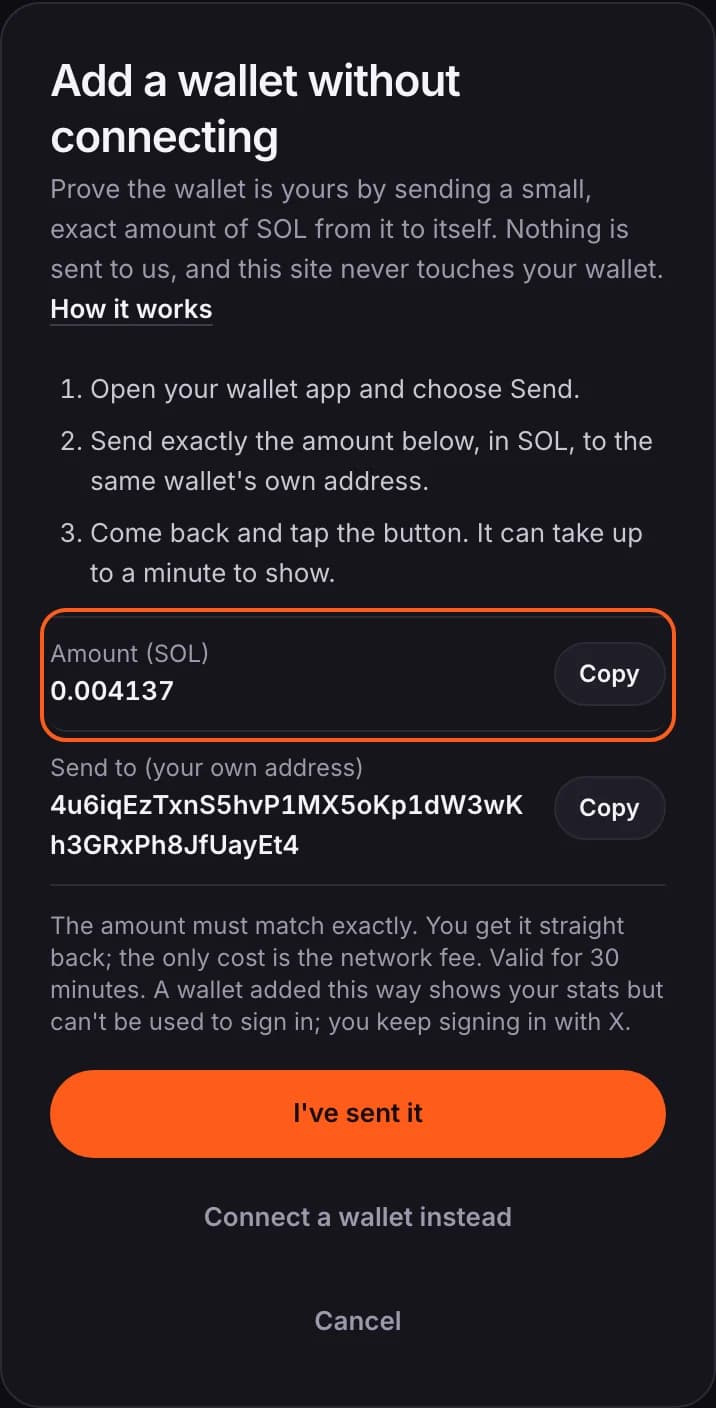
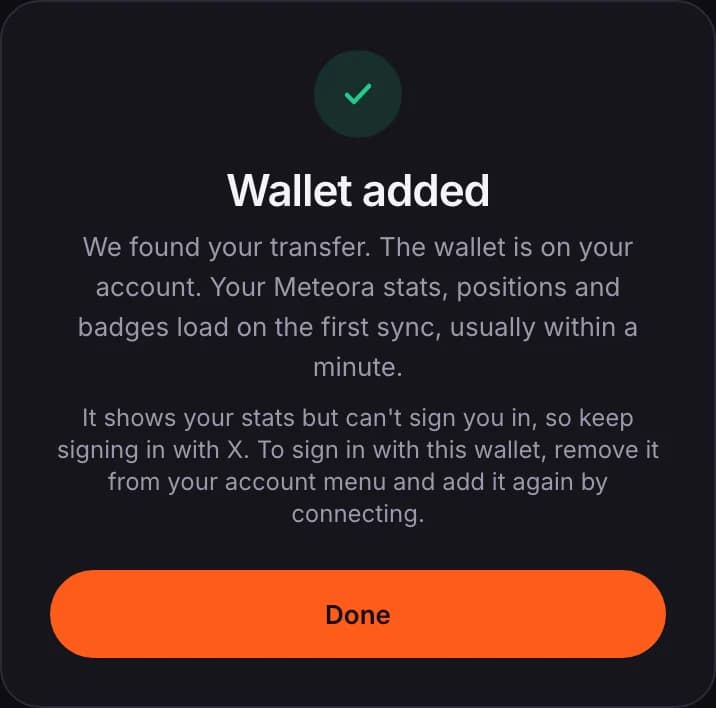
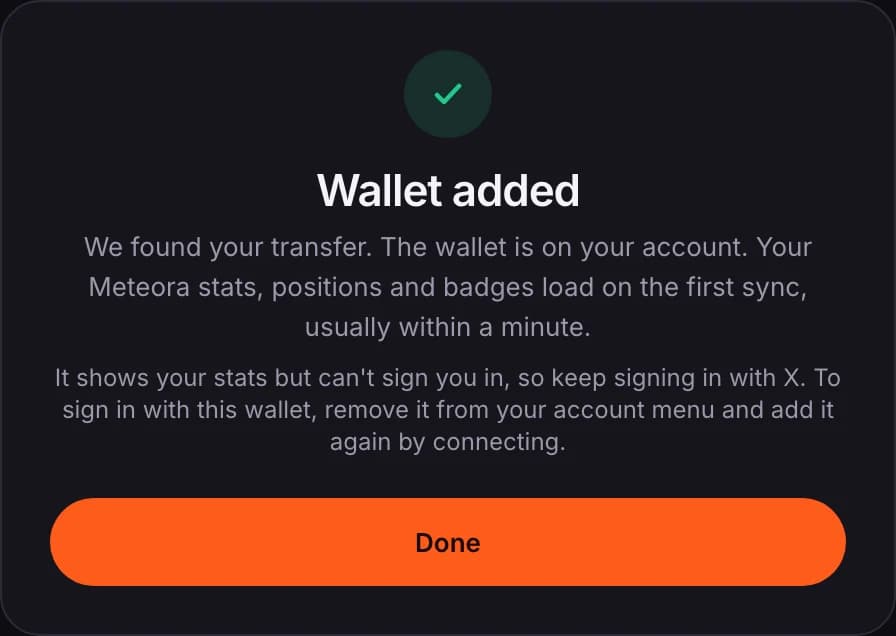
- Come back and tap I've sent it. Usually within a minute you'll see Wallet added, and your stats, positions and badges load on the first sync.
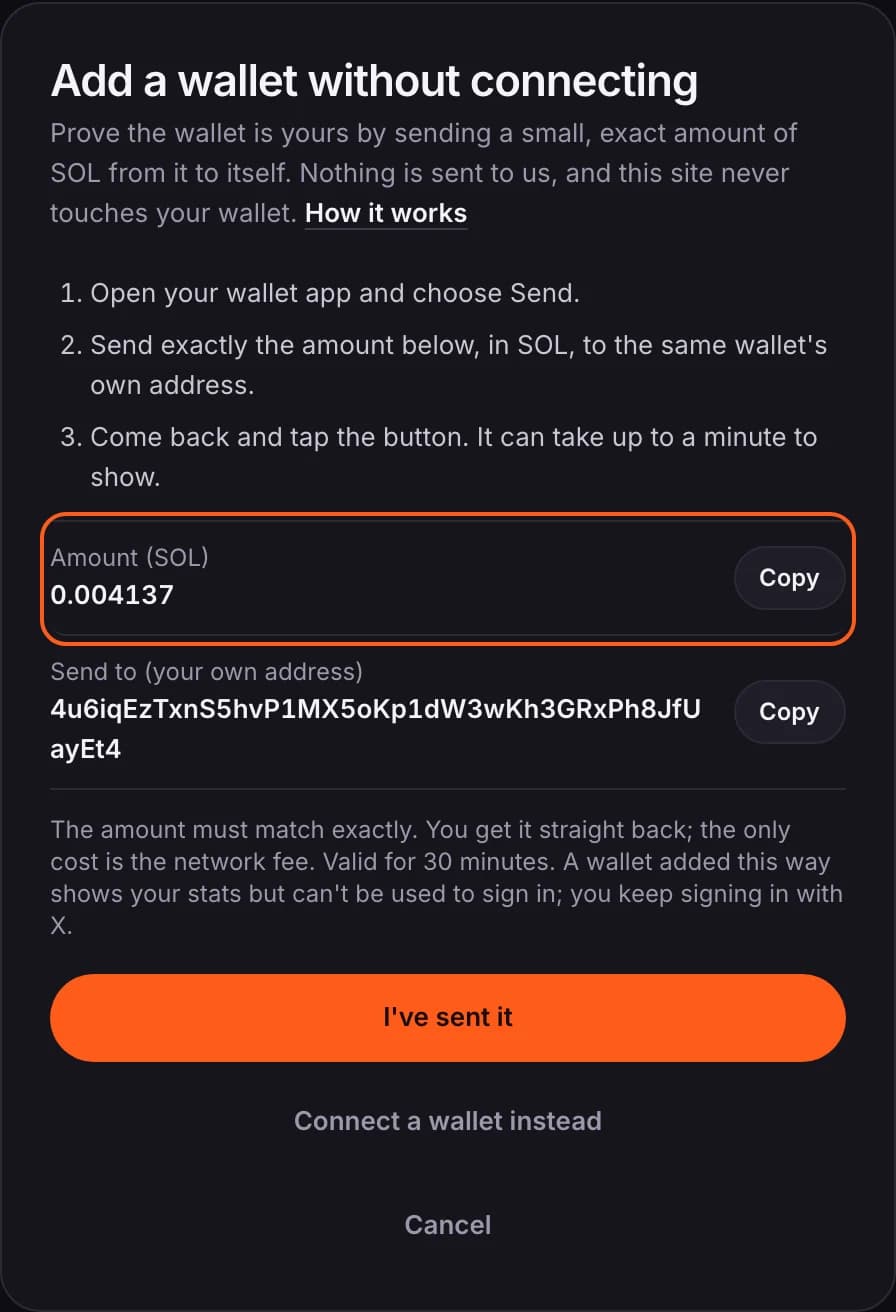
- The amount goes straight back to you. The only cost is the network fee, a fraction of a cent.
- The amount must match exactly. Send it and tap I've sent it within 30 minutes.
- It has been tested with Phantom, Solflare and Jupiter wallets. Any wallet that can send SOL to its own address should work. Exchange accounts can't be used: the transfer has to come from the wallet itself.
- A wallet added this way shows your stats but can't sign you in. You keep signing in with X.
Change or remove your wallet
An account holds one wallet. To use a different one, or to add the same one the other way, remove it first.
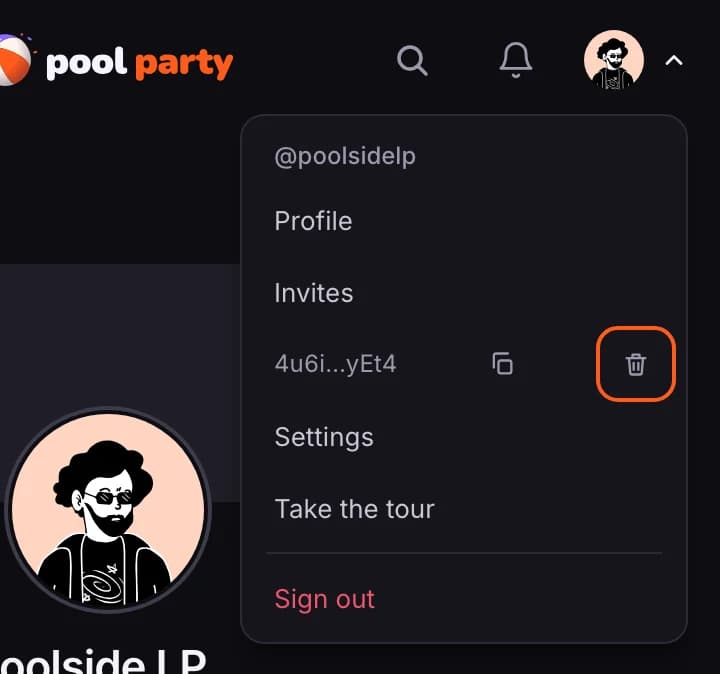
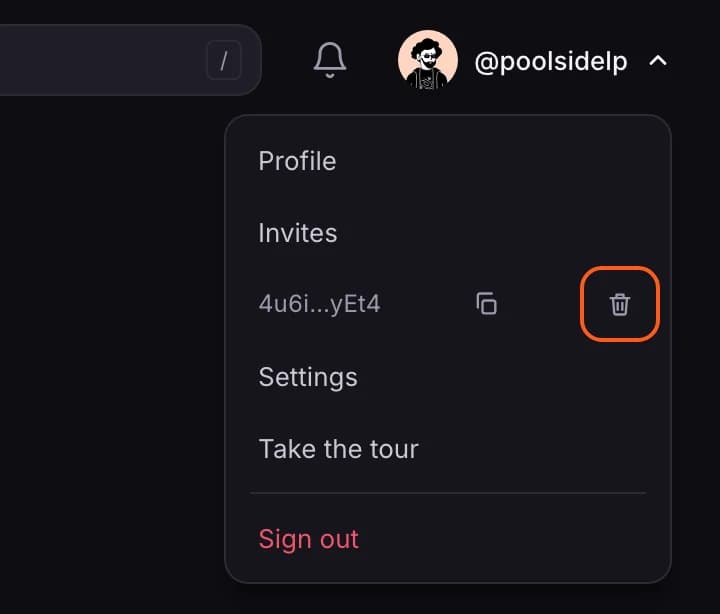
- Open your account menu. Your wallet address is listed there; only you can see it. Tap the bin icon beside it.
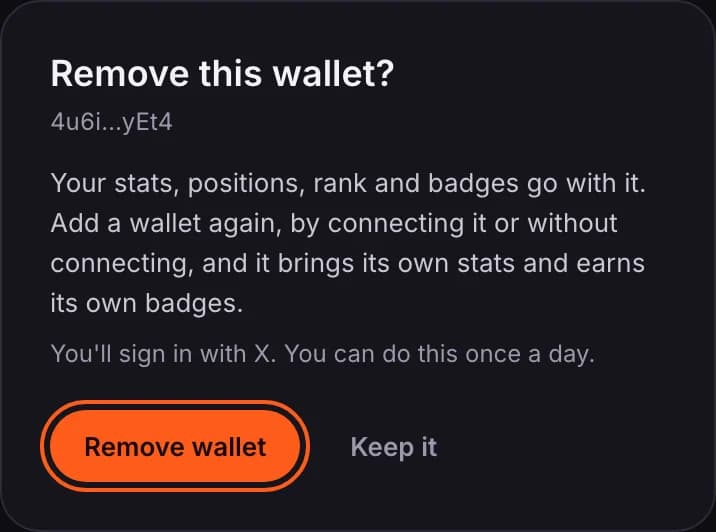
- Confirm with Remove wallet.
- Add a wallet again from the same menu: Connect wallet, then either connect it or choose Add without connecting.
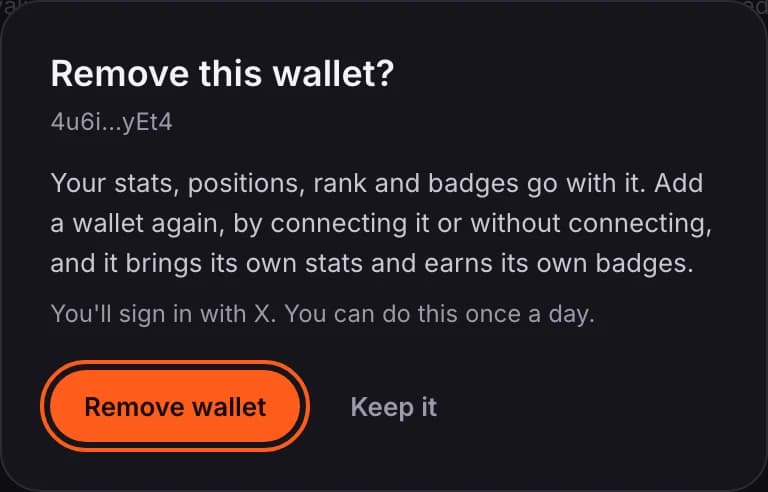
- The old wallet's stats, positions, rank and badges go with it. The new wallet brings its own stats and earns its own badges.
- What you already posted stays: your LP ideas, and any opens, closes and badges already shown on Poolside.
- You stay signed in on this device and are signed out on your others.
- You need X connected to remove a wallet, so you can still sign in.
- You can remove a wallet once a day.
Prefer to connect?
Connecting works as before: pick your wallet and sign a free message. It is not a transaction and gives no access to your funds. A connected wallet can also be used to sign in.
Who can see what
- Your wallet address is never shown to other members.
- You choose who sees your positions in Settings: everyone, only you, or members who meet rules you set.