
Share and find LP ideas
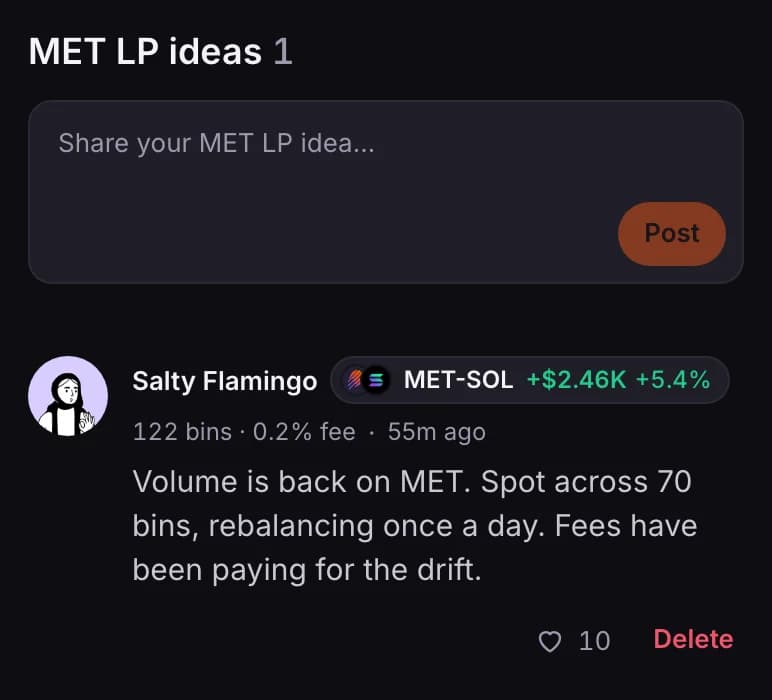
An LP idea is a short note on why you are in a pool. Poolside collects everyone's ideas, along with the opens and closes of members who choose to share them.
Open PoolsideRead ideas on Poolside
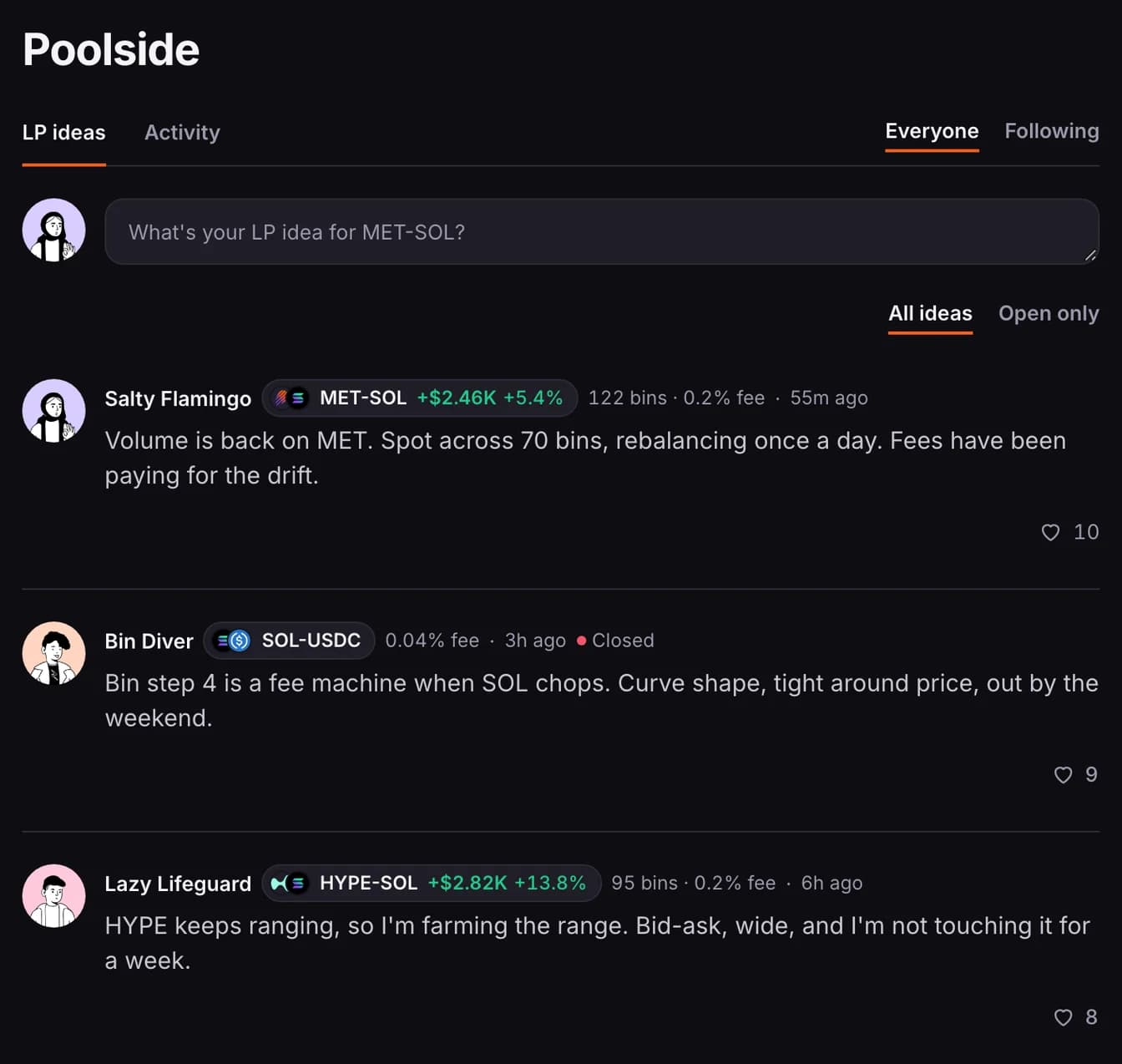
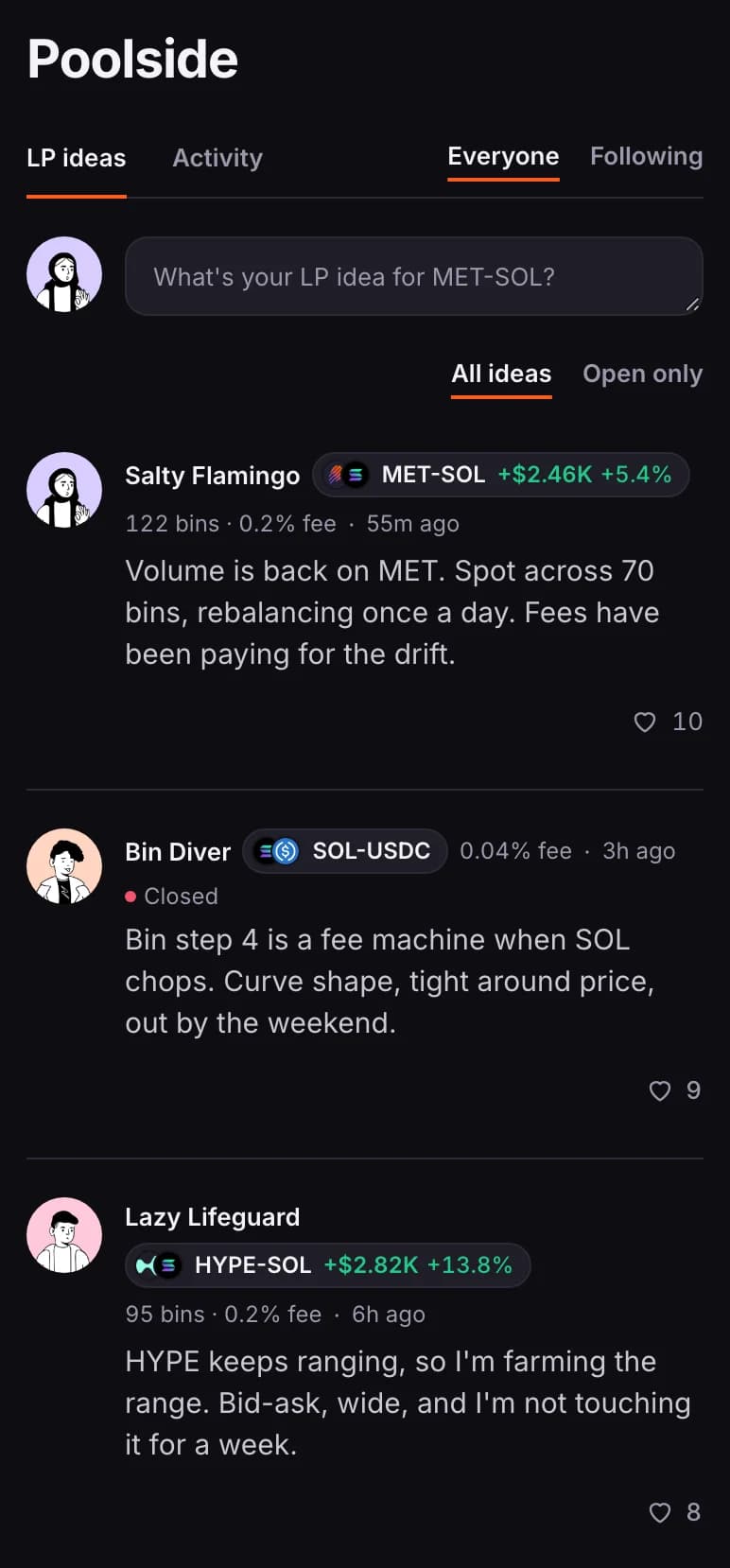
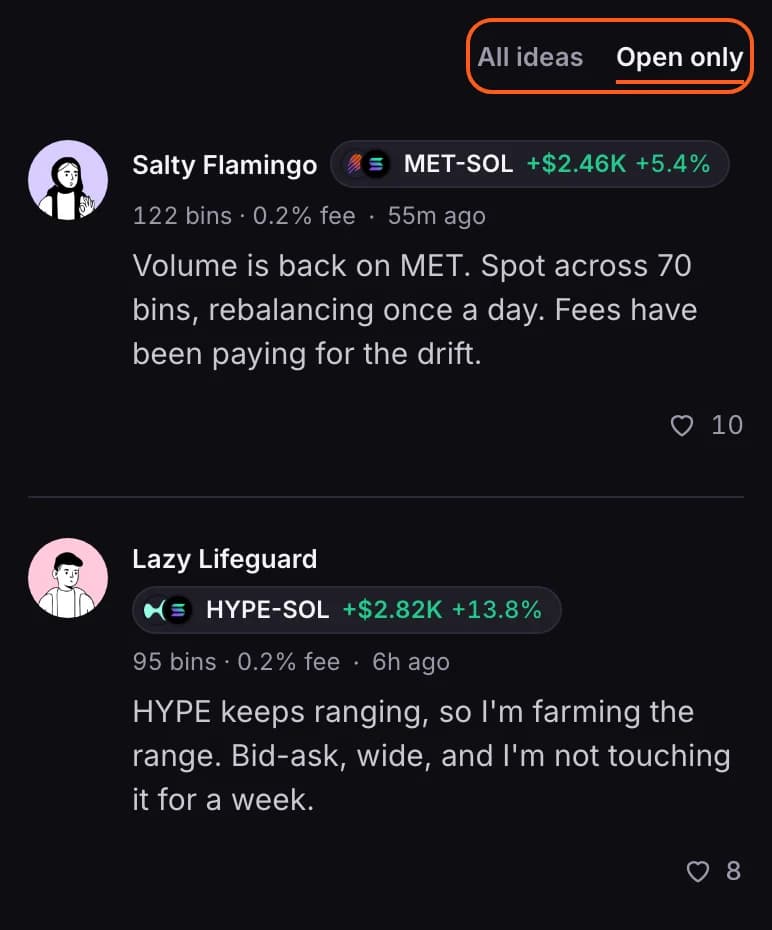
- LP ideas lists ideas, newest first. Everyone shows all members; Following shows only people you follow, or everyone if you don't follow anyone yet.
- Tap the heart to like an idea. You can't like your own.
Each idea is tagged with the pool it is about.

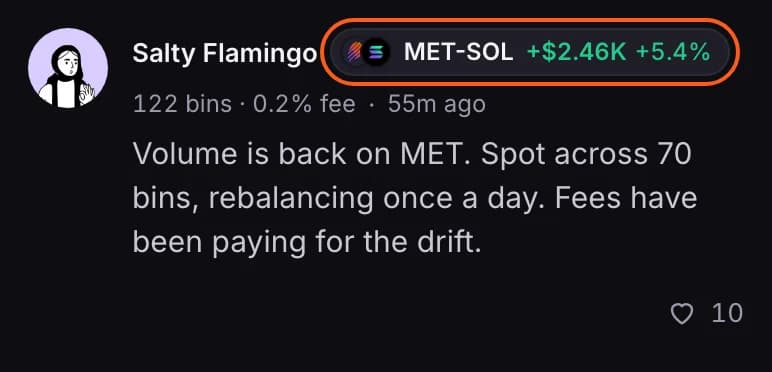
- The tag shows the pool and the author's PnL in it as of their last sync. Beside it are the number of bins they are spread across and the pool's fee.
- Closed means the author is no longer in that pool as of their last sync. It also shows when the author hasn't let you see their positions.
- Tap the tag to open the pool. If no member is in that pool any more, its page isn't available.
Show only ideas still in play
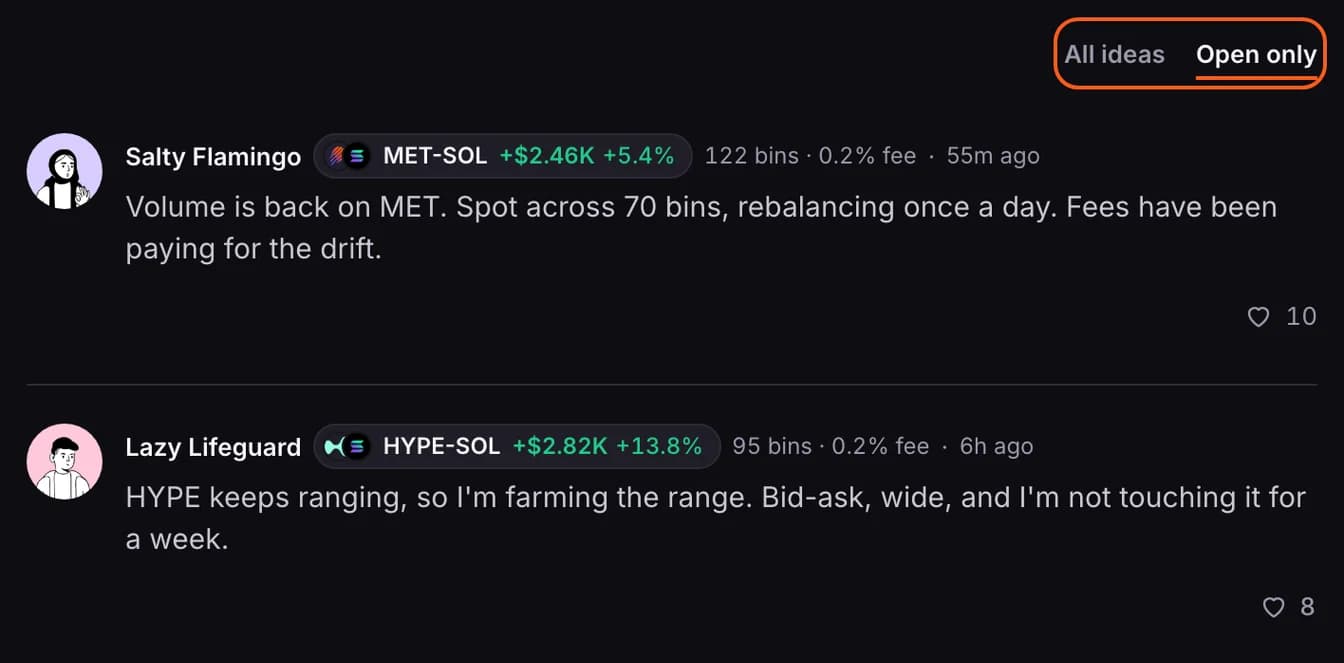
Choose Open only to keep just the ideas whose author still has a position in the pool that you are allowed to see. Your choice is remembered on this device.
Post an idea
- On Poolside, click the box at the top of LP ideas.
- Check the pool under the box. The pool of your largest position is chosen to start; if you hold several, tap it to pick another. Only pools you hold a position in are listed, and your idea is tagged with it.
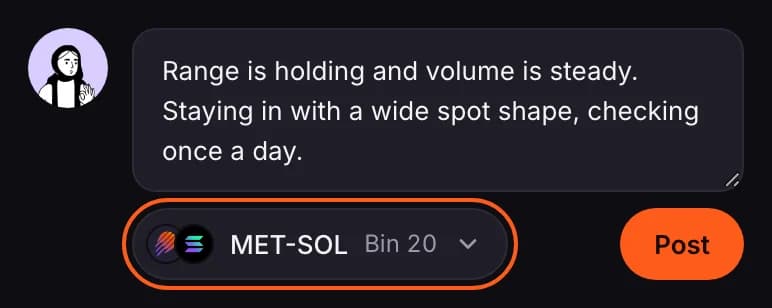
- Write your idea, up to 500 characters, and press Post.
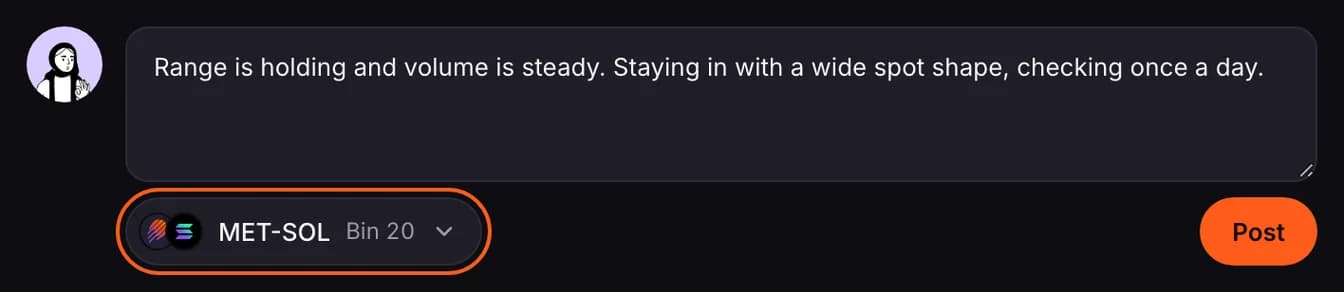
You can also post from a pool's own page, which tags the idea with that pool.
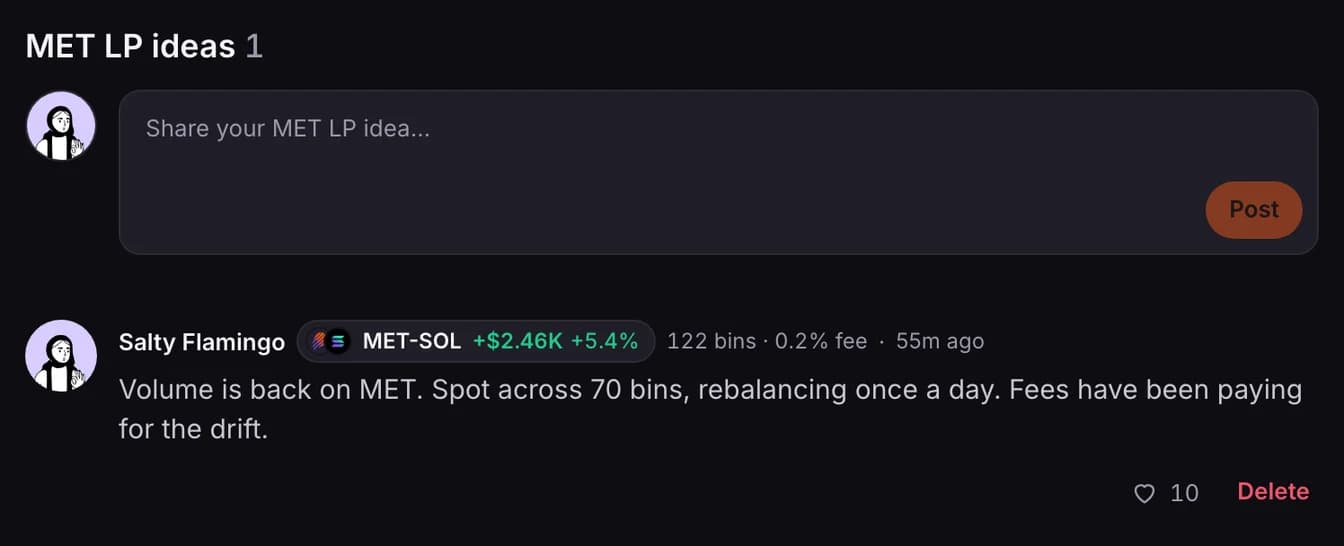
- You need an open position in that pool, as of your last sync.
- Ideas can't be edited. To remove one of yours, open the page of a pool with the same first token that a member is still in, find your idea under LP ideas and press Delete.
- You can post up to 10 ideas in 24 hours across pools that share the same first token.
Where your idea shows up
On Poolside, on the page of every pool that shares the same first token, and on your profile with your open position in that pool. Your profile shows your latest idea for each pool, and only while the position is open.
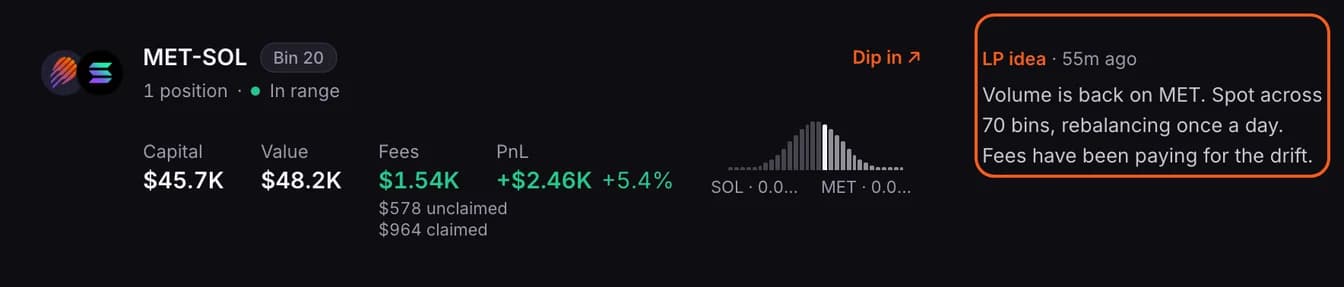
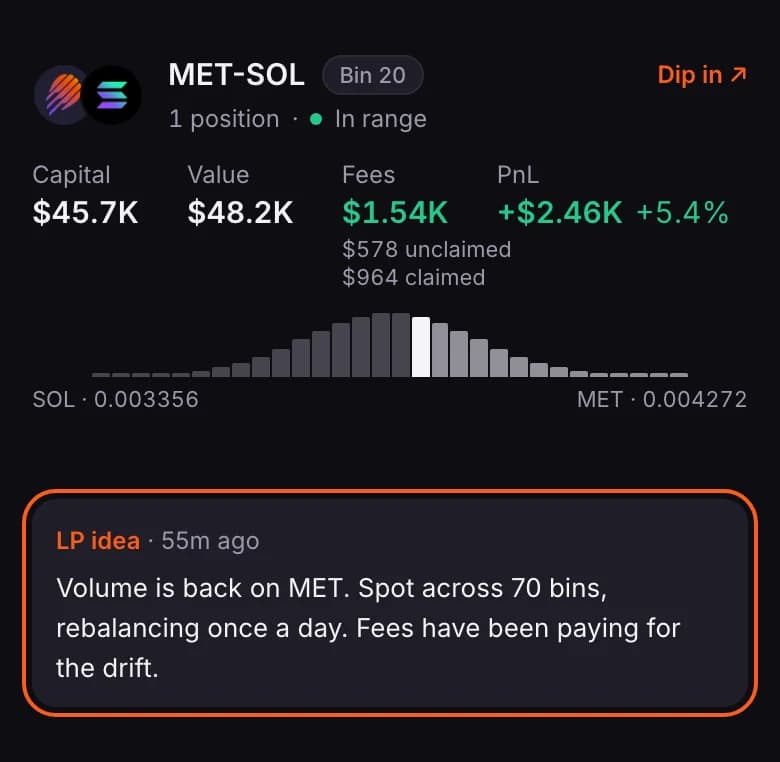
- If you limit who sees your positions, members you haven't let in don't see your PnL or bins on the idea. To them it is marked Closed, it is left out of Open only, and it doesn't appear on your profile. See Choose who sees your positions.
Follow the activity
The Activity tab lists what members are doing: positions opened and closed, follows, new members and badges. A close shows its realized PnL.
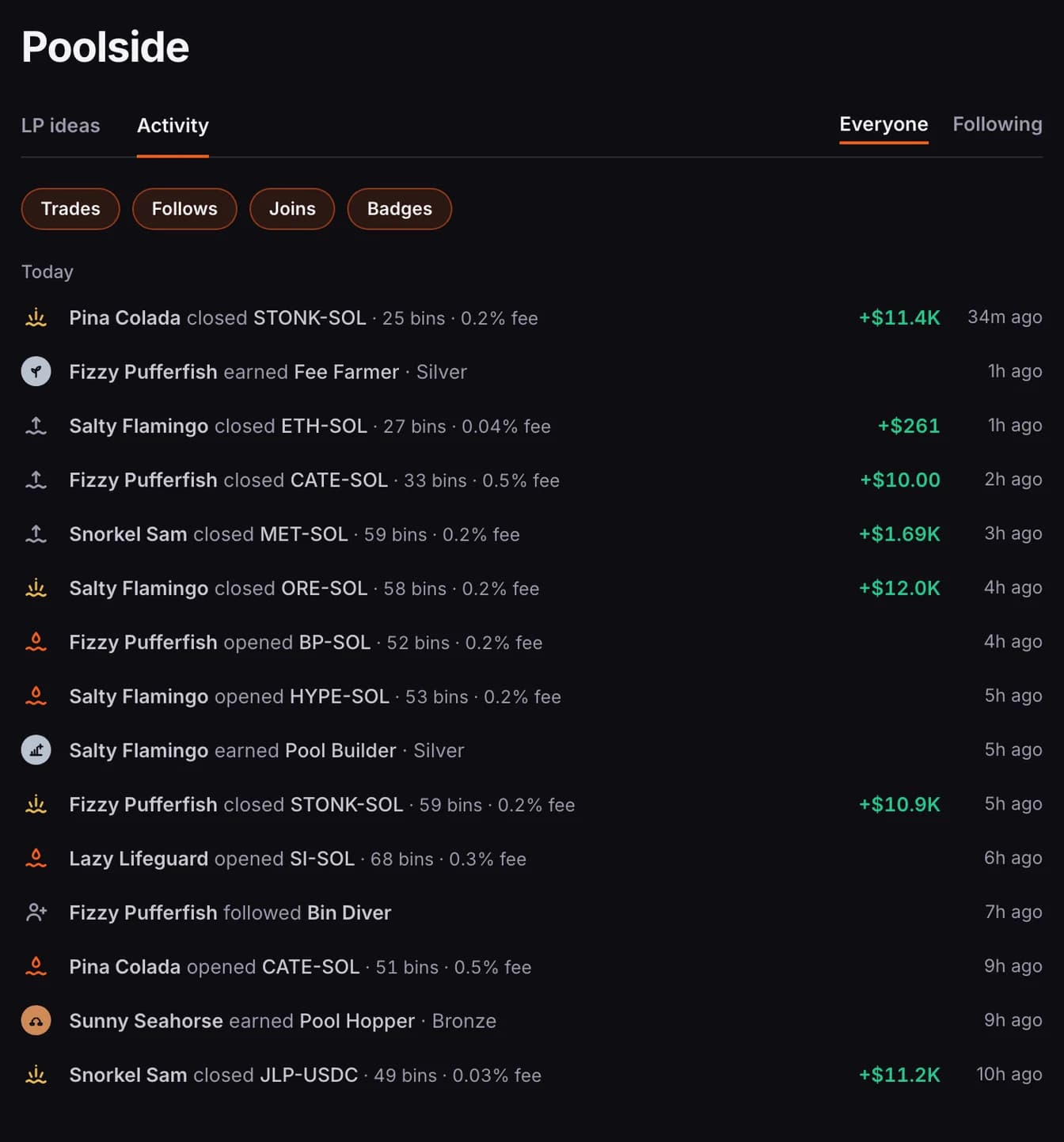
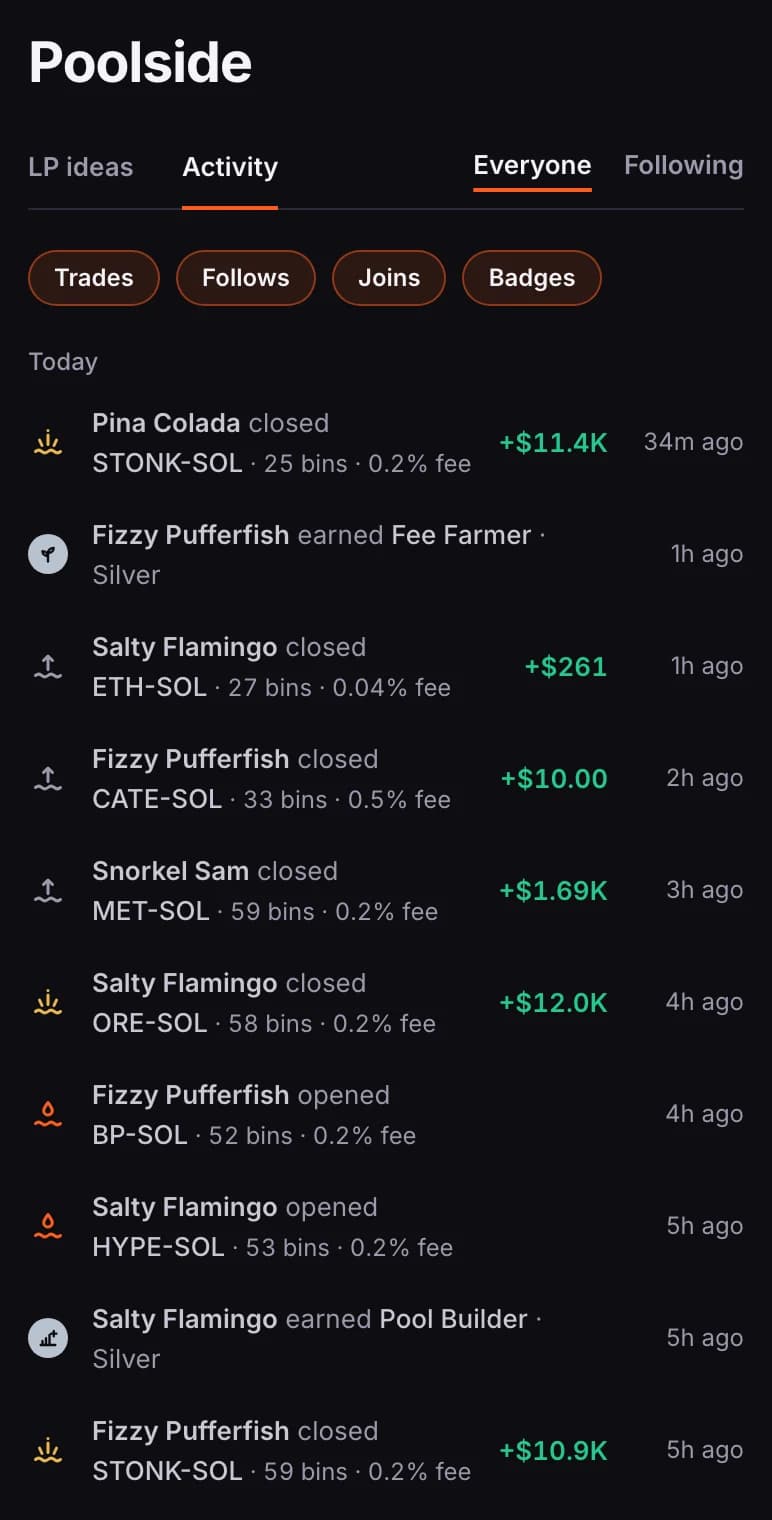
- The buttons at the top switch each kind on or off: Trades, Follows, Joins, Badges.
- Opens and closes appear only for members who switched on Share my opened/closed positions on Poolside, and only from the moment they did. It is off until you turn it on, in Settings or from the prompt on this tab, and it only reaches members allowed to see your positions.