
Notifications
The bell collects what happens around you on Pool Party: new followers, likes, badges, and positions opened in your pools. It all stays in the app; nothing is emailed.
Notification settingsCheck the bell
- The bell at the top right shows how many notifications are new, or 9+ when there are more than nine.

- Tap it to open the list, newest first. A dot marks the ones you haven't seen. Tap one to go to what it is about.
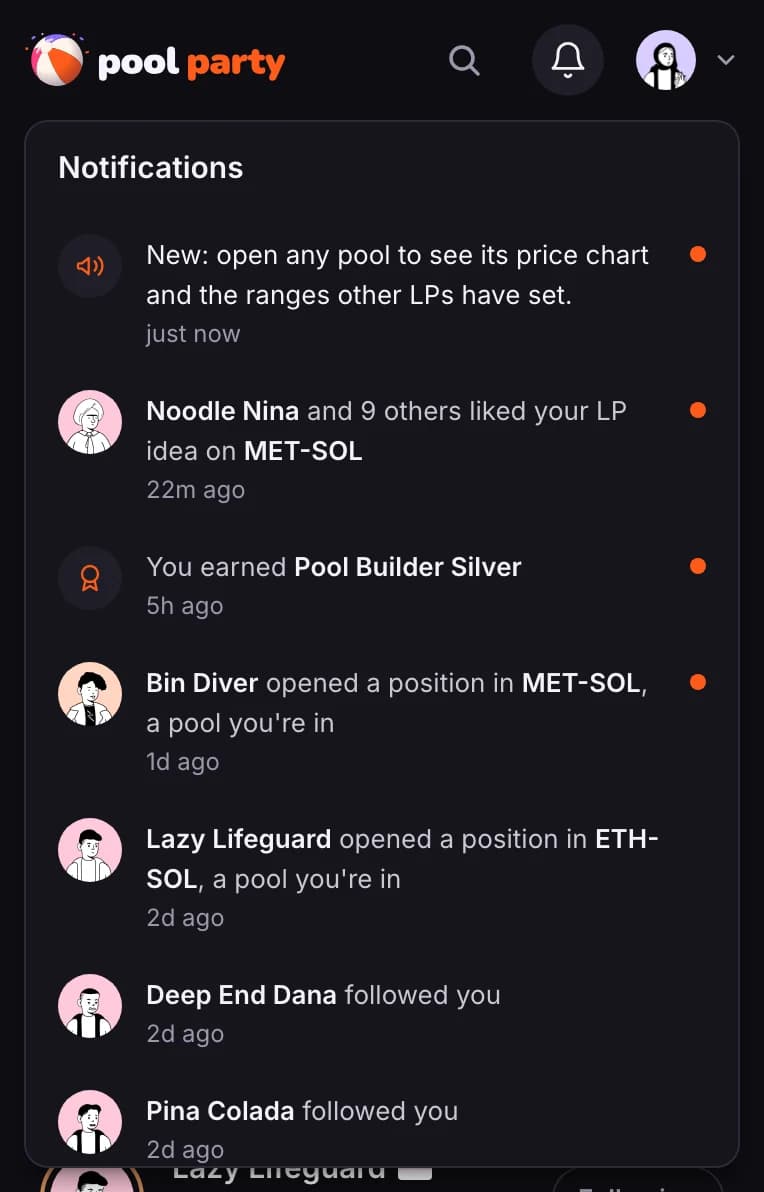

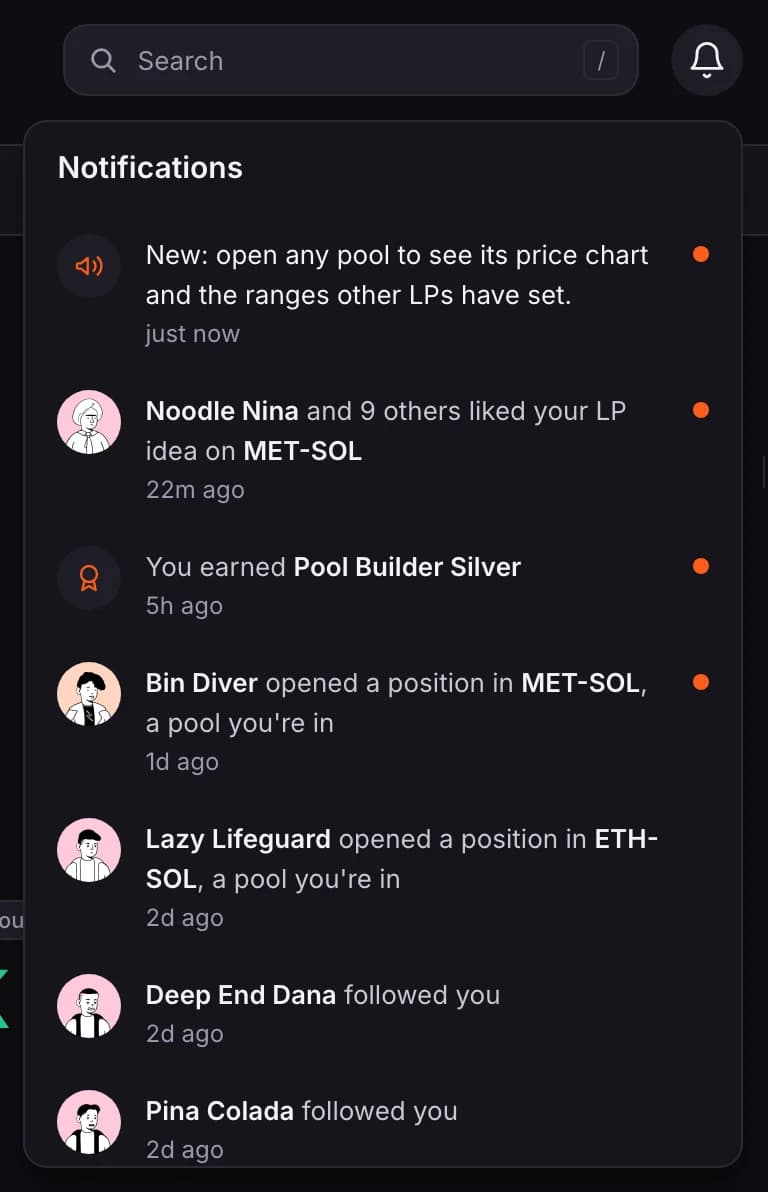
- followed you and joined Pool Party with your invite open that member's profile.
- liked your LP idea opens the pool the idea is on. Several likes on one idea are grouped.
- You earned a badge opens the Badges page.
- opened a position in a pool, a pool you're in opens that pool.
- The list covers the last 30 days and holds up to 30 items. It checks for new ones about once a minute while the page is open.
Choose what reaches you
- Open your account menu (your picture, top right) and choose Settings.
- Under Notifications, switch each kind on or off. It saves as you go.
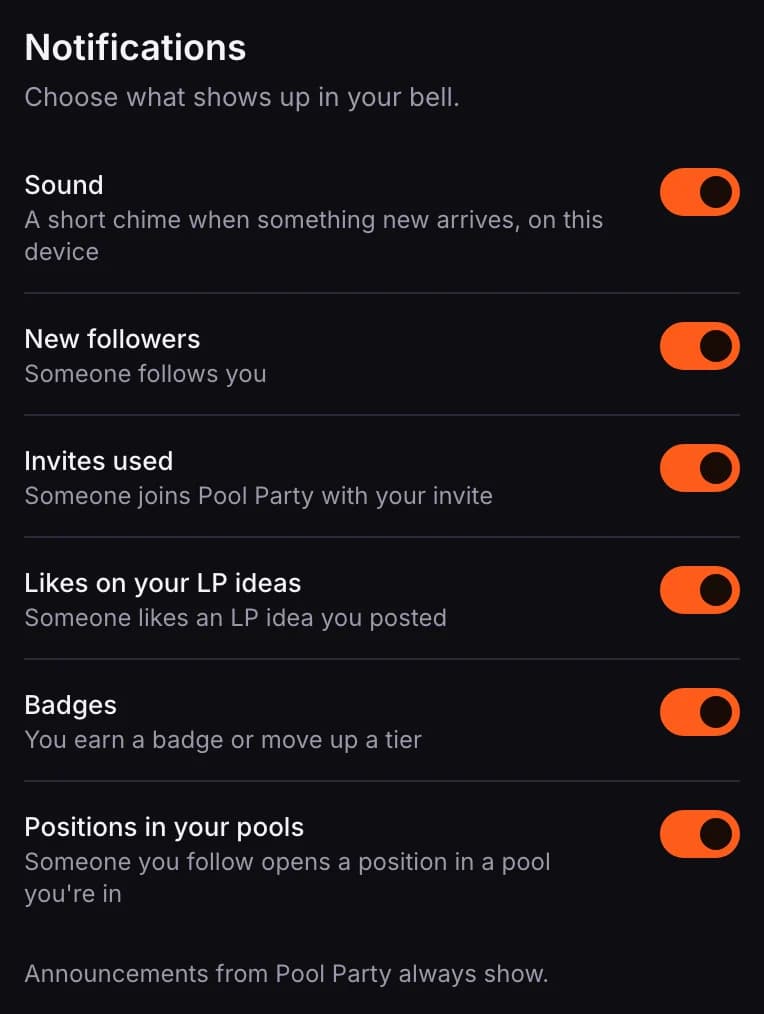
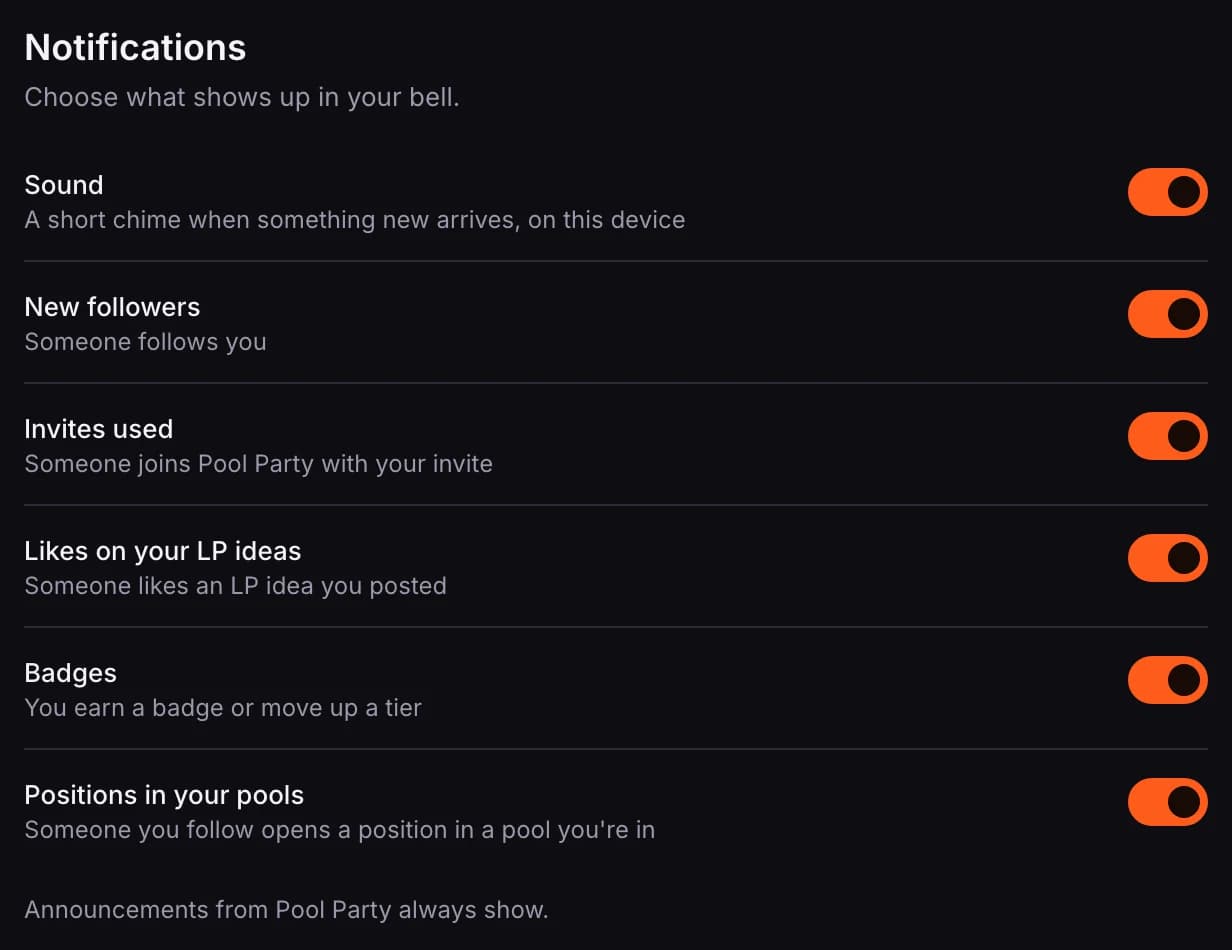
- Everything is on to start with.
- Sound plays a short chime when something new arrives while you have Pool Party on screen. It stays quiet while the tab is in the background. It is set per device; the other switches follow your account.
- Positions in your pools tells you when someone you follow opens a position in a pool you are in. You get it only if that member has switched on sharing their position activity, which is off until they do, opened the position after switching it on, and lets you see their positions. It shows while you still have a position in that pool. See Choose who sees your positions.
- Announcements from Pool Party always show.
Announcements
News from Pool Party appears as a strip under the header, and in the bell.

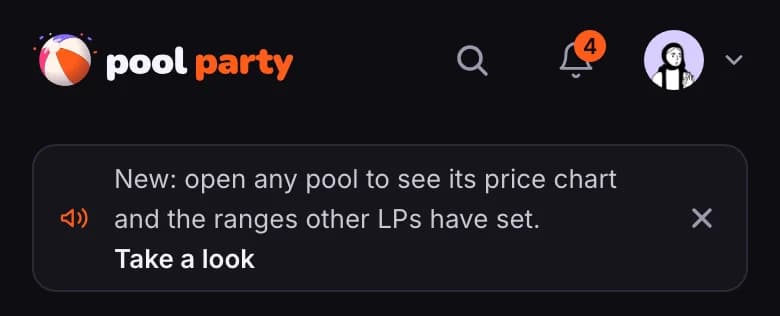
- Take a look opens the page the announcement is about.
- The ✕ at the end of the strip closes it. It stays closed on your other devices too.