
Invite other LPs
Pool Party is in private beta, and people join with an invite code. Every member gets three invite links to pass on.
Your invitesSend an invite
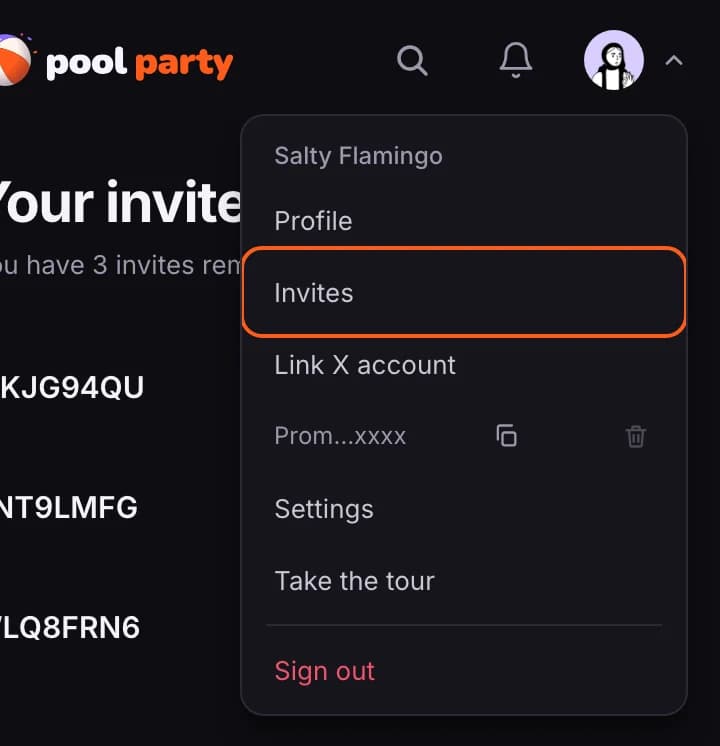
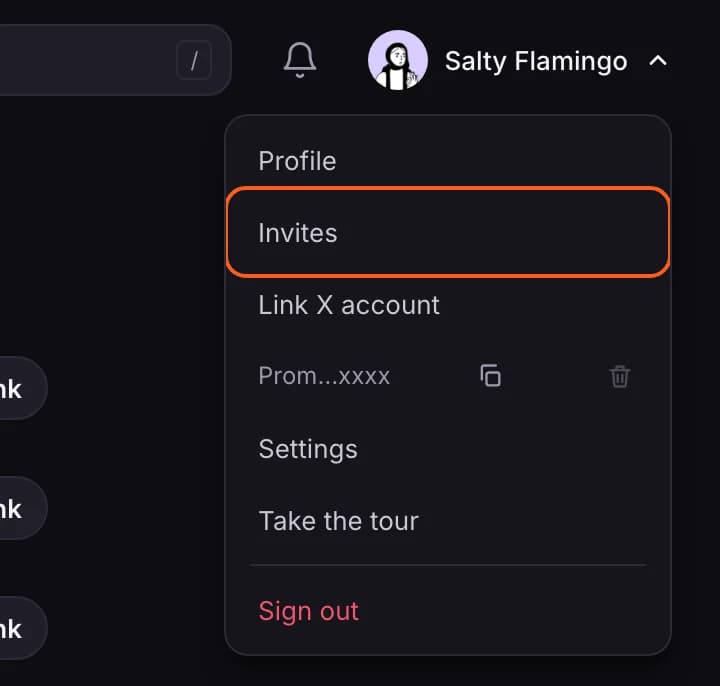
- Open your account menu (your picture, top right) and choose Invites.
- Press Copy link beside a code and send the link to the person you are inviting.
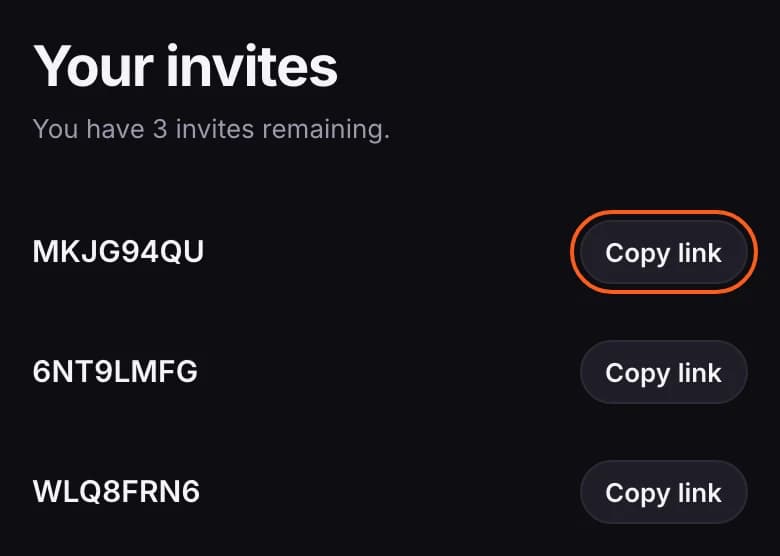
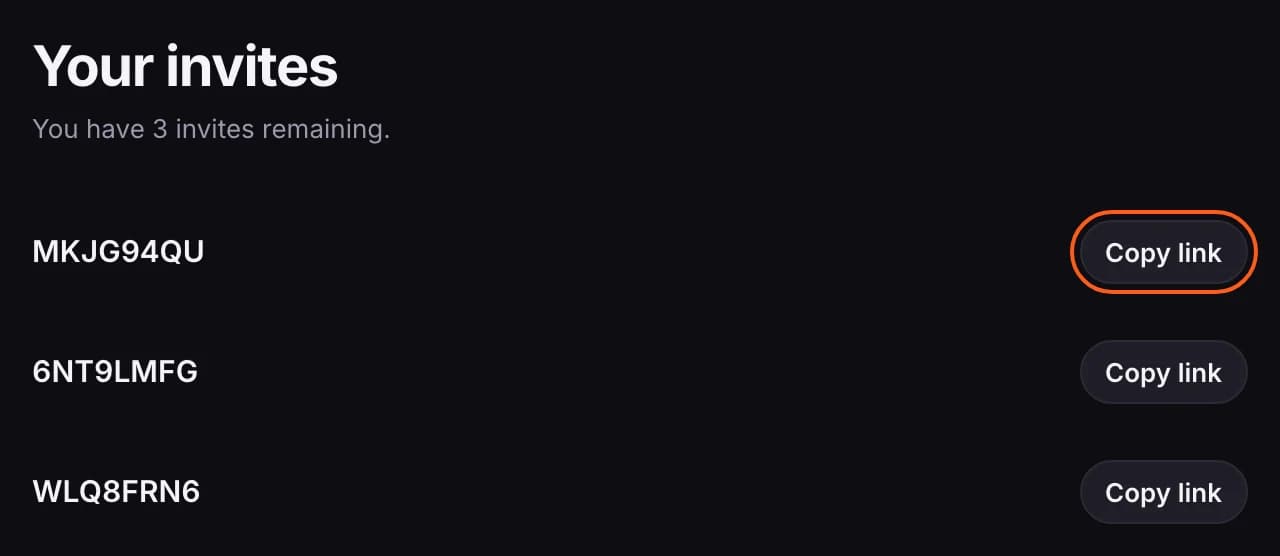
- Each code works once and doesn't expire. Once someone has joined with it, it is marked Used.
- You get a notification when someone joins with your invite. See Notifications.
What the person you invite does
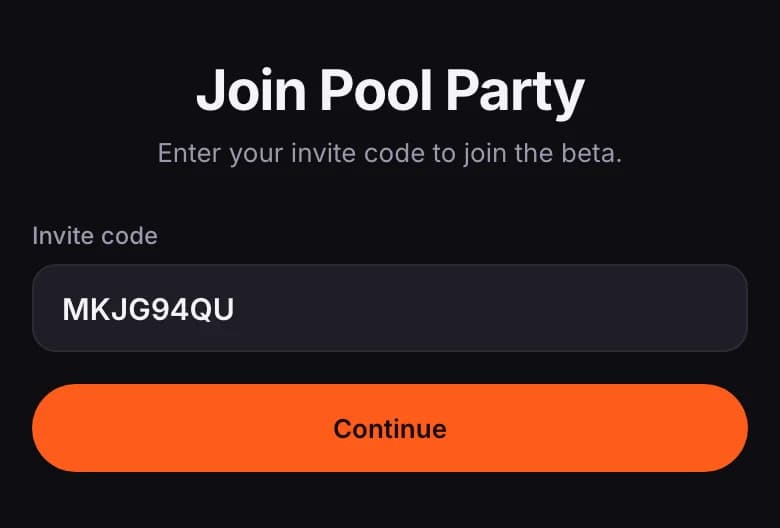
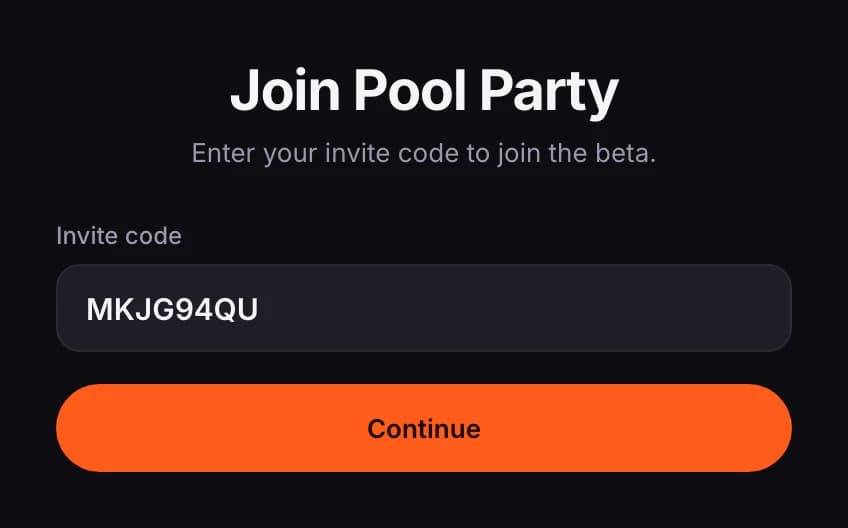
- They open your link. The code is already filled in, so they press Continue.
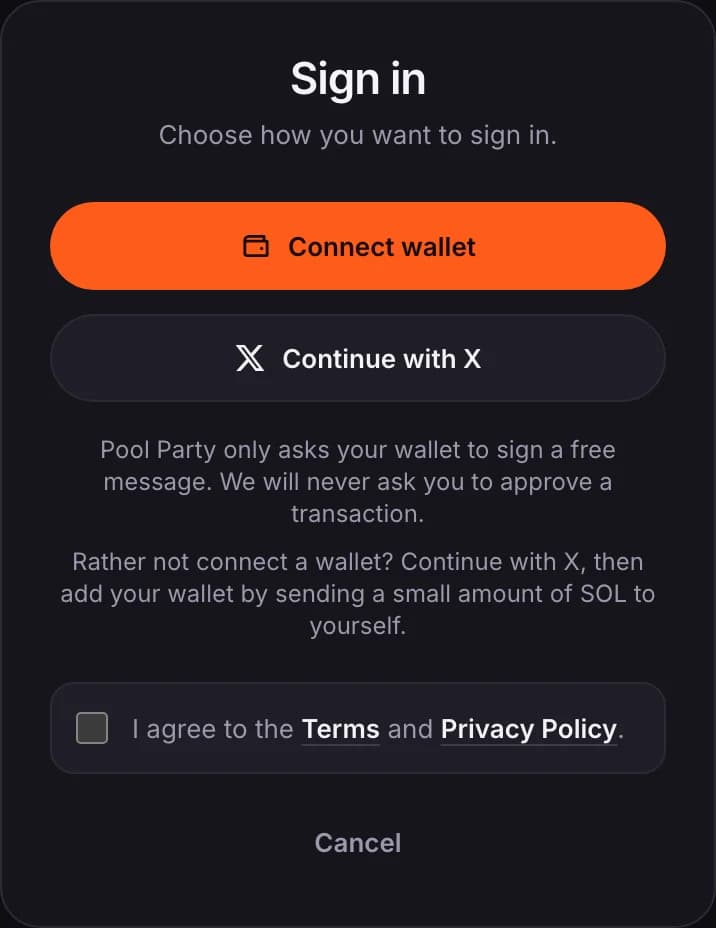
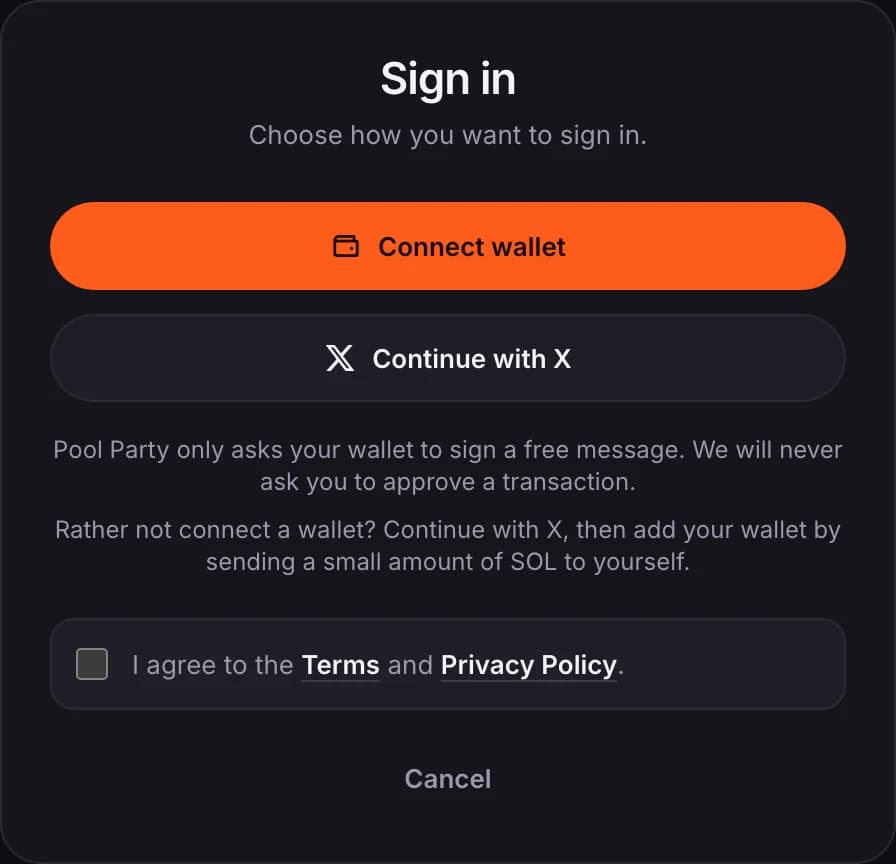
- They sign in with X or with a wallet, ticking the box to agree to the Terms and Privacy Policy.
- If they signed in with X, they are offered a way to add the wallet they LP with: connect it, add it without connecting, or skip for now. If they signed in with a wallet, they can connect X or skip.
- They can add a country and a short bio. They tick the box to agree to the Terms and Privacy Policy, then press Join Pool Party.
- The code is only used up at that last step, not when it is first entered.
- A code can also be typed in at lppool.party/join. Capital letters don't matter.
- Adding a wallet without connecting is explained in Add or change your wallet.
- The beta has a limited number of places. When it is full, invite codes stop working until more open up.